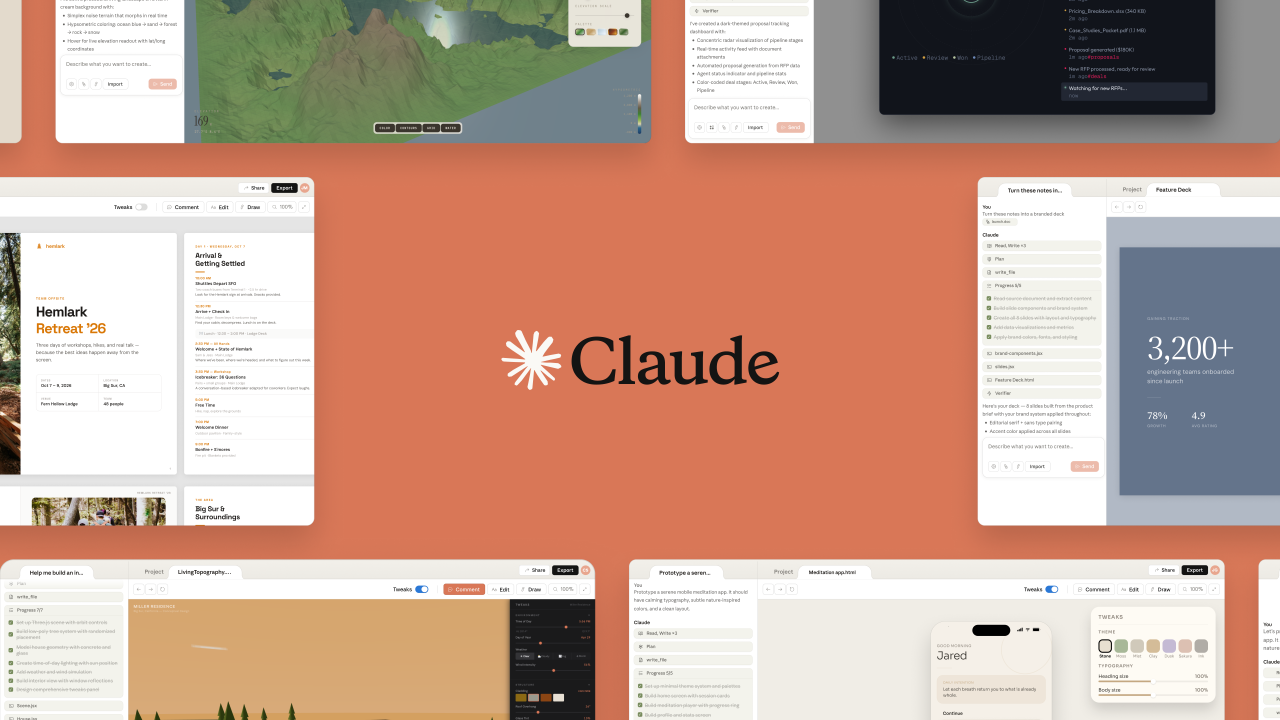
Anthropic has launched Claude Design, a new experimental product that allows users to create visuals including prototypes, presentation slides and one-pagers using Claude, the company announced Friday.
The product is aimed at founders, product managers and others without a design background who need to move quickly from an idea to something visual. Users describe what they want and Claude produces an initial version, which can then be refined through direct edits or follow-up requests.
Once teams create presentation decks or prototypes, they can export them as PDFs, URLs or PowerPoint files, or send them directly to Canva for further editing and collaboration. Anthropic said Claude Design is intended to complement tools like Canva rather than replace them, noting the product is built for people who are not starting from a dedicated design application.
Claude Design can also apply a company’s existing design system to every project it creates, reading a team’s codebase and design files to ensure consistency with the organization’s overall visual style. Teams can maintain more than one design system within the product.
The new product is powered by Claude Opus 4.7 and is available in research preview for Claude Pro, Max, Team and Enterprise subscribers.
The launch extends Anthropic’s push into enterprise and professional markets as competition around AI workplace tools intensifies. In January, the company released Claude Cowork, an agentic assistant built for complex tasks, and subsequently added agentic plug-ins to automate specialized workflows across company departments.
The announcement comes days after Bloomberg reported that venture capital firms have offered Anthropic a preemptive funding round that would value the company at $800 billion or more, which would approach or surpass the valuation of rival OpenAI. According to the report, Anthropic has so far declined those offers.
#Anthropic #Launches #Claude #Design #Visual #Creation #Tool #NonDesigners